Workspaces
Every task gets its own worktree, branch, and agent.
-
One worktree per task
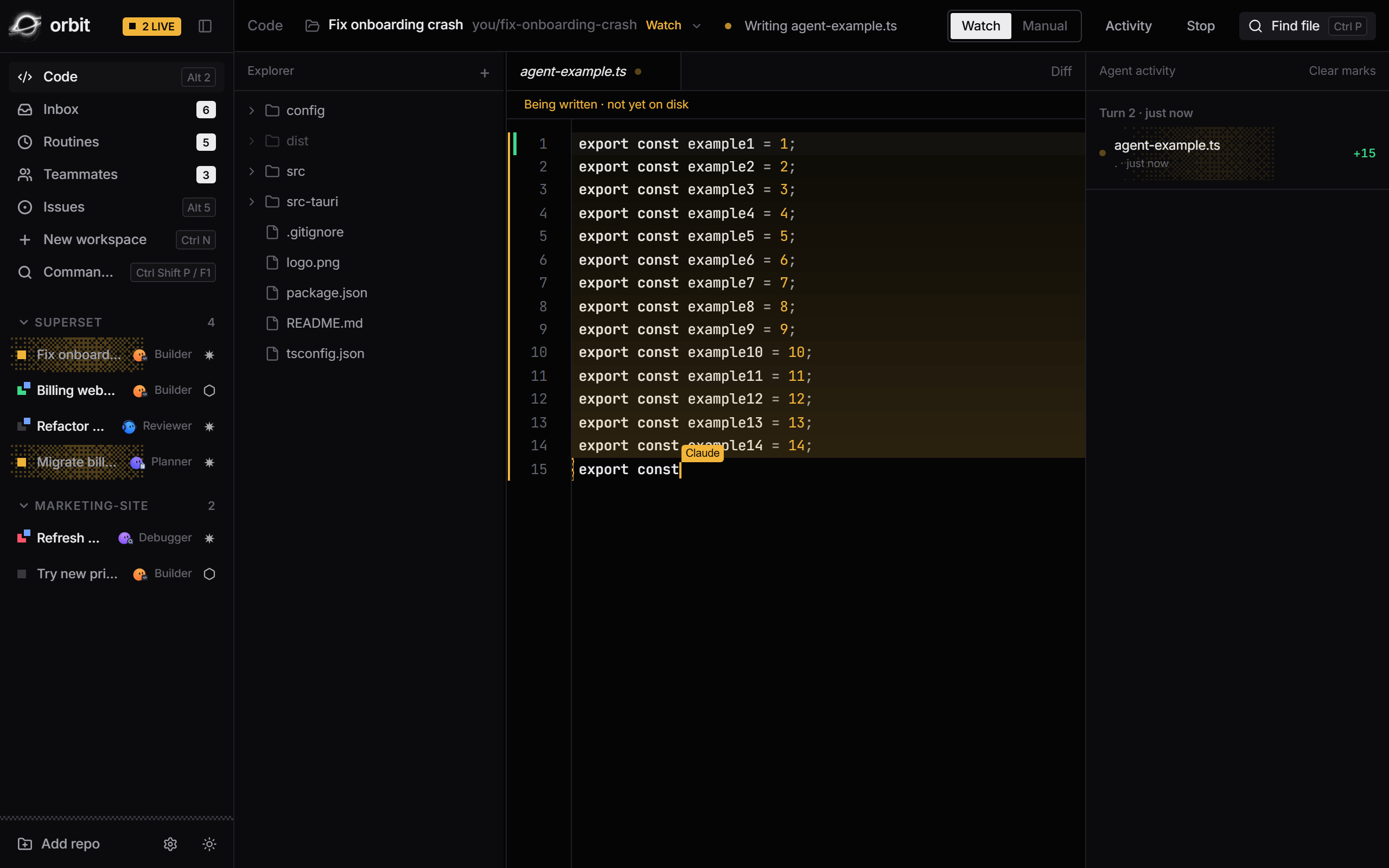
Each workspace is a real git worktree on its own branch. Agents never touch your main checkout.
-
Start in one keystroke
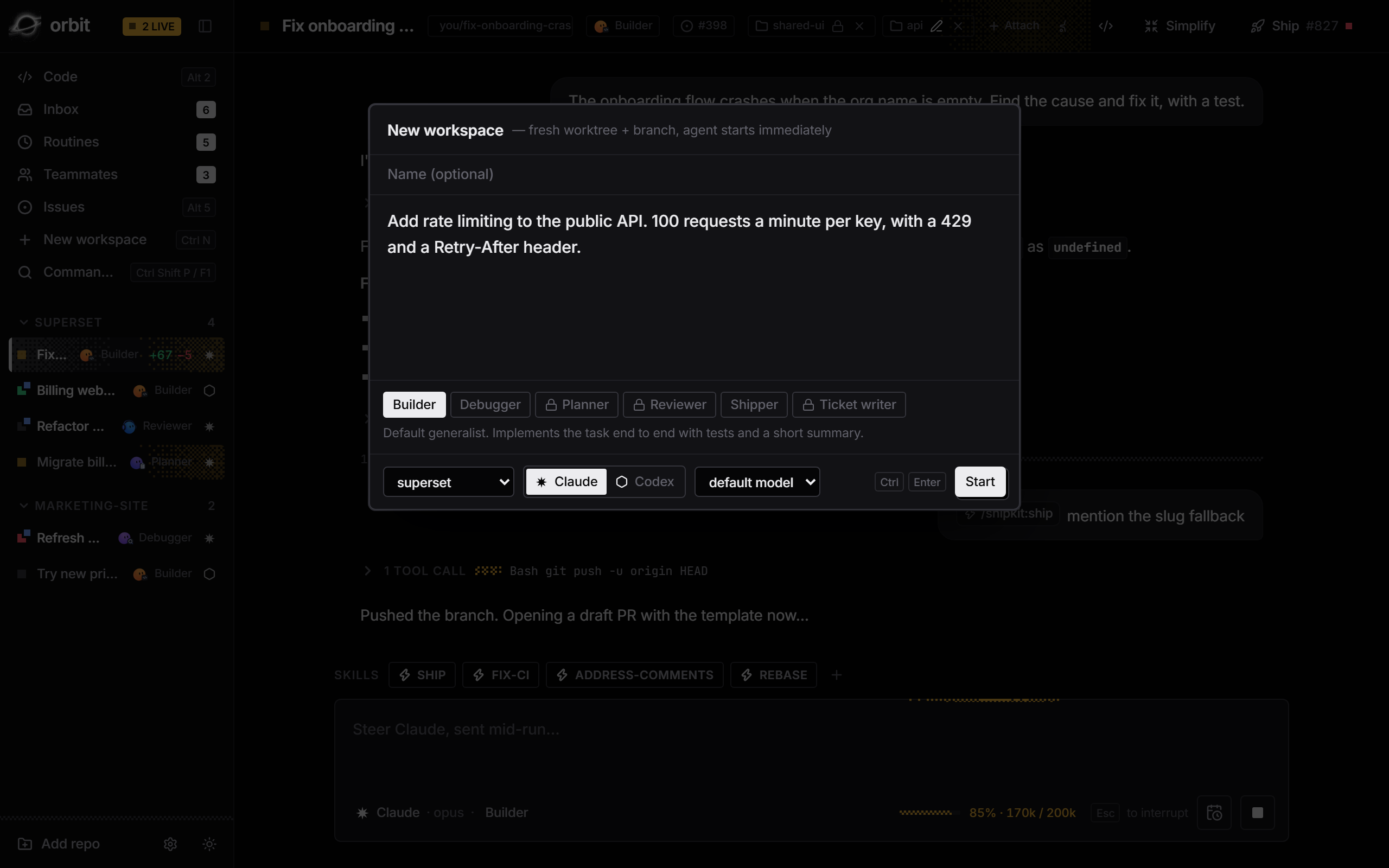
Write the task, pick repo, agent, model and profile. The agent starts the moment you hit Start.
Ctrl N -
Run as many as you like
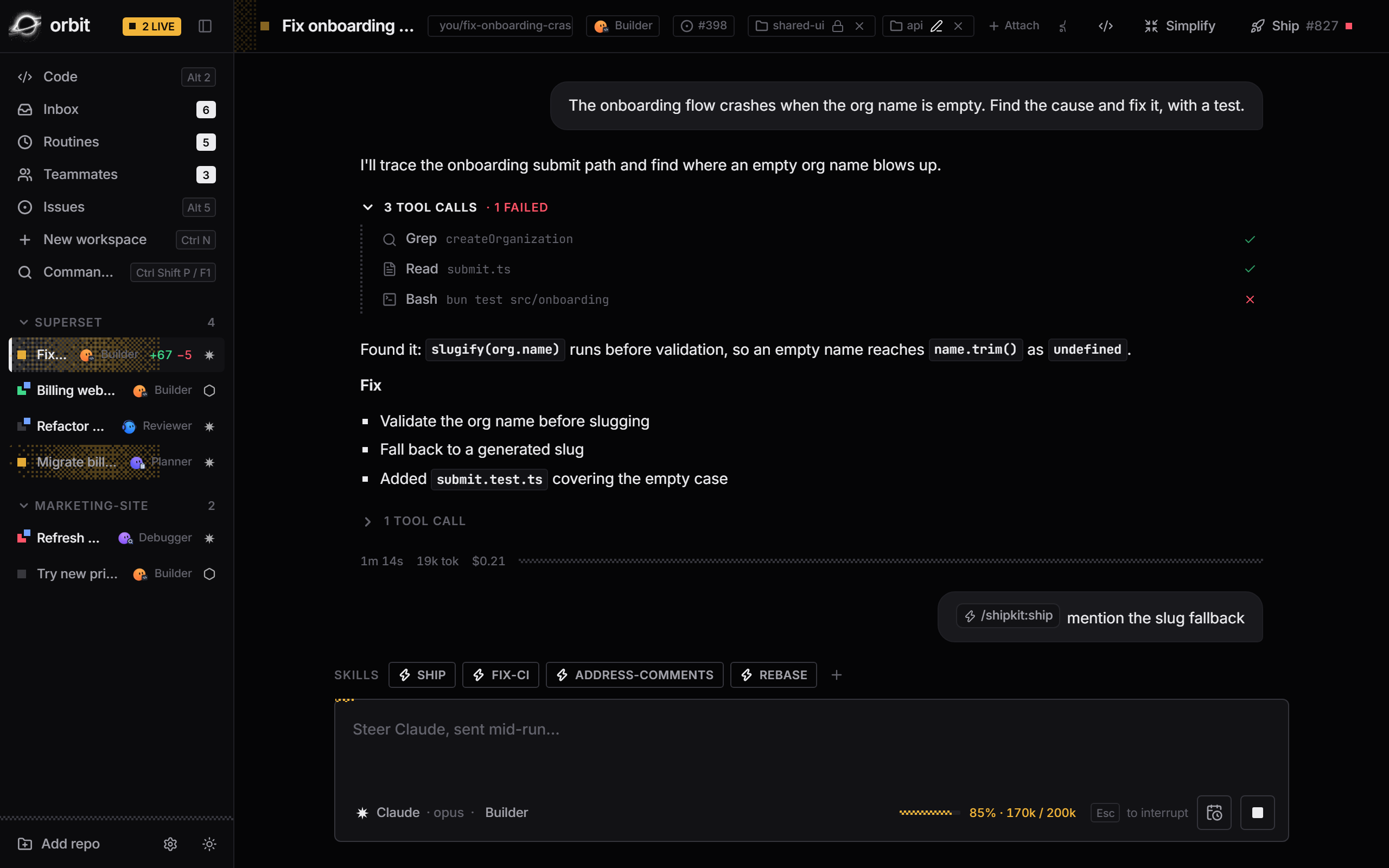
Claude Code and Codex workspaces run side by side, in parallel, across repos.
-
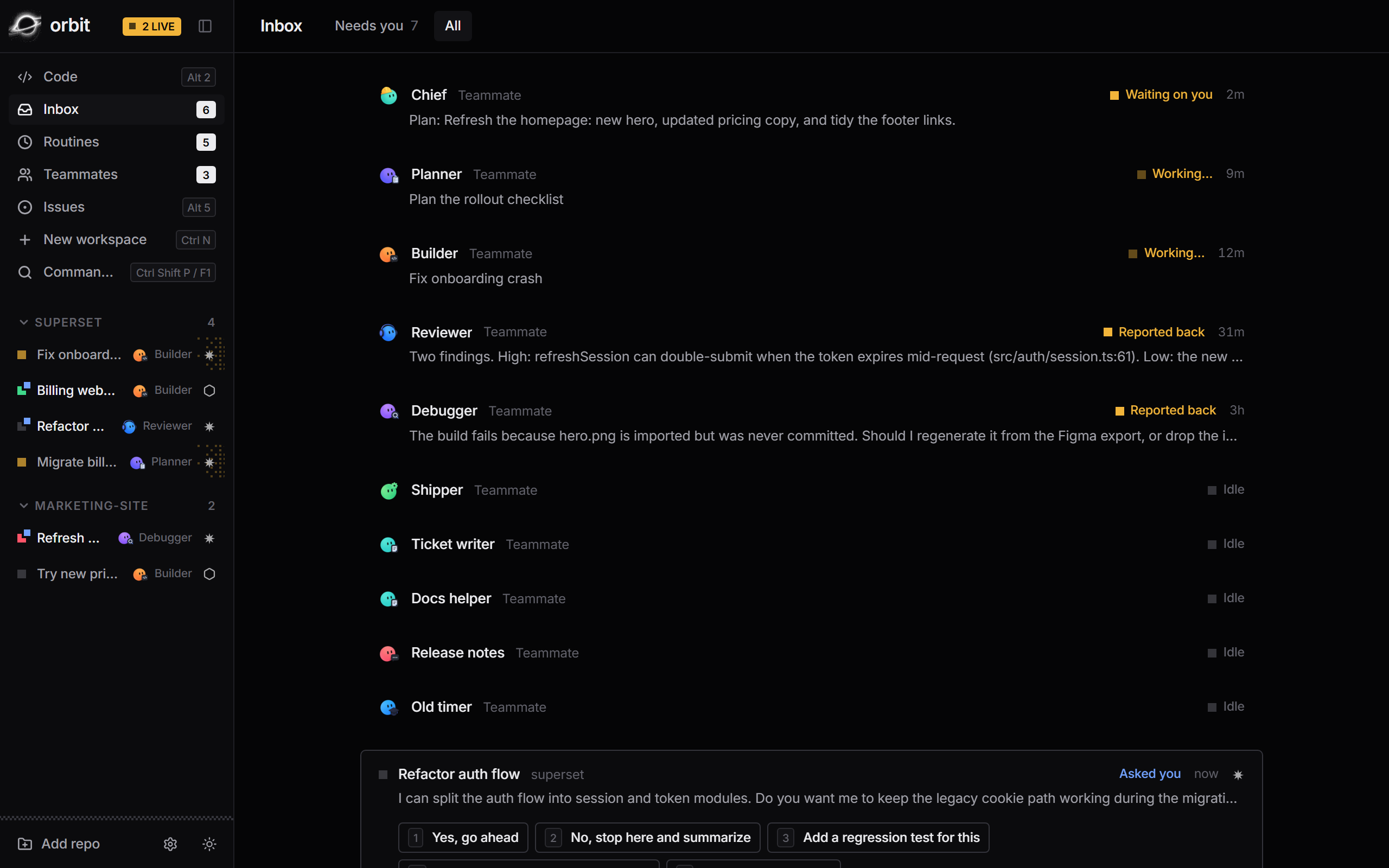
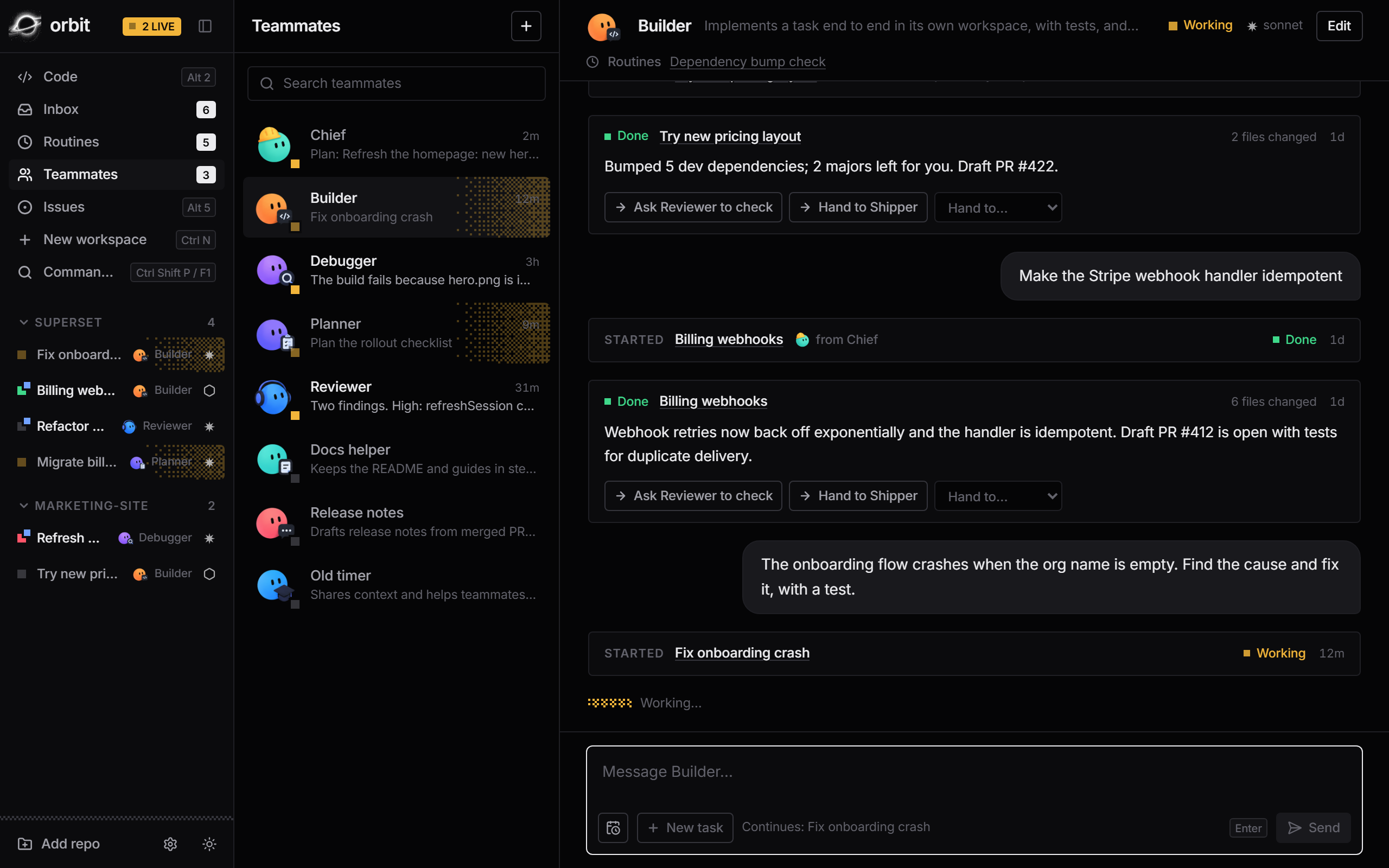
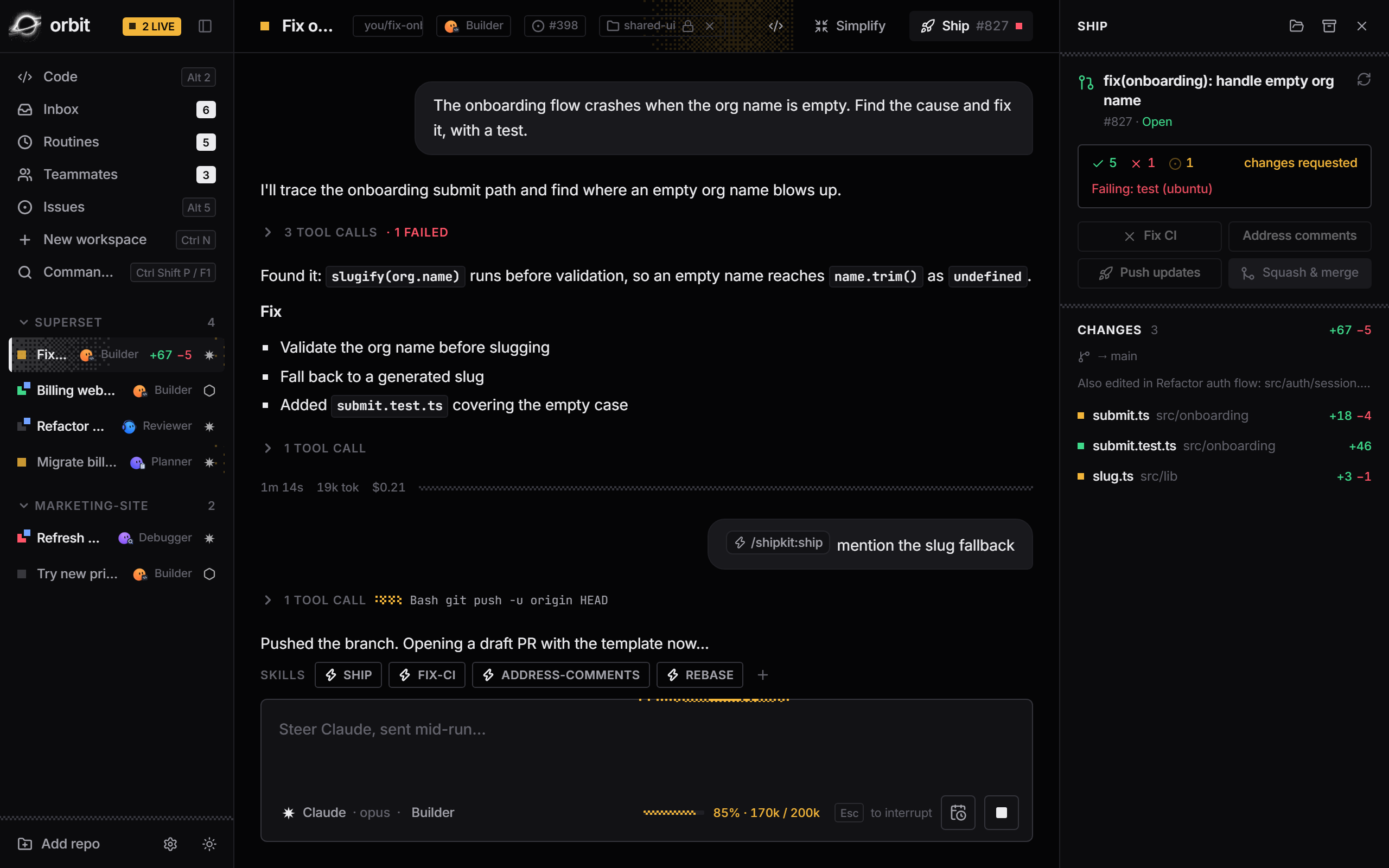
A sidebar that tells you everything
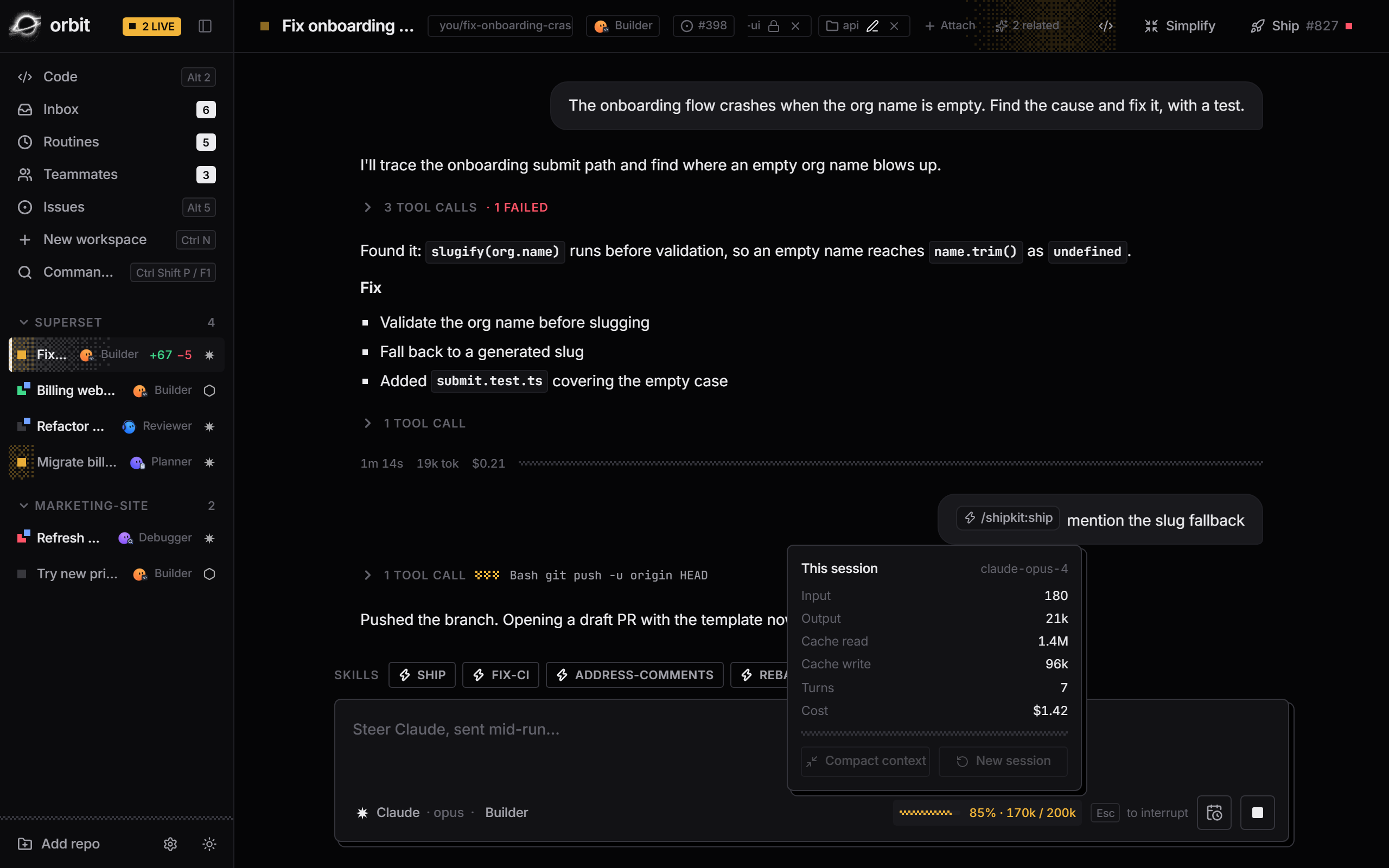
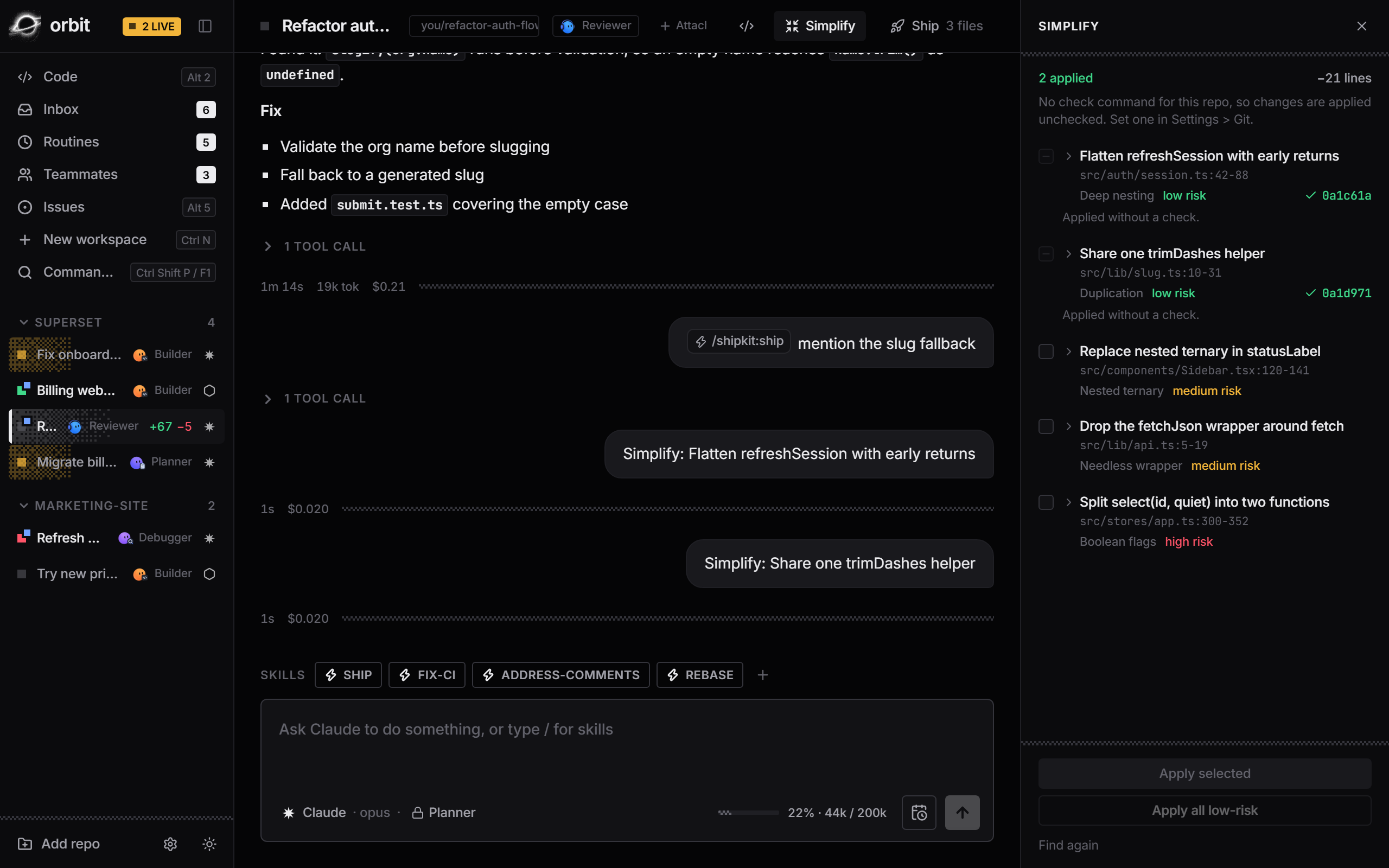
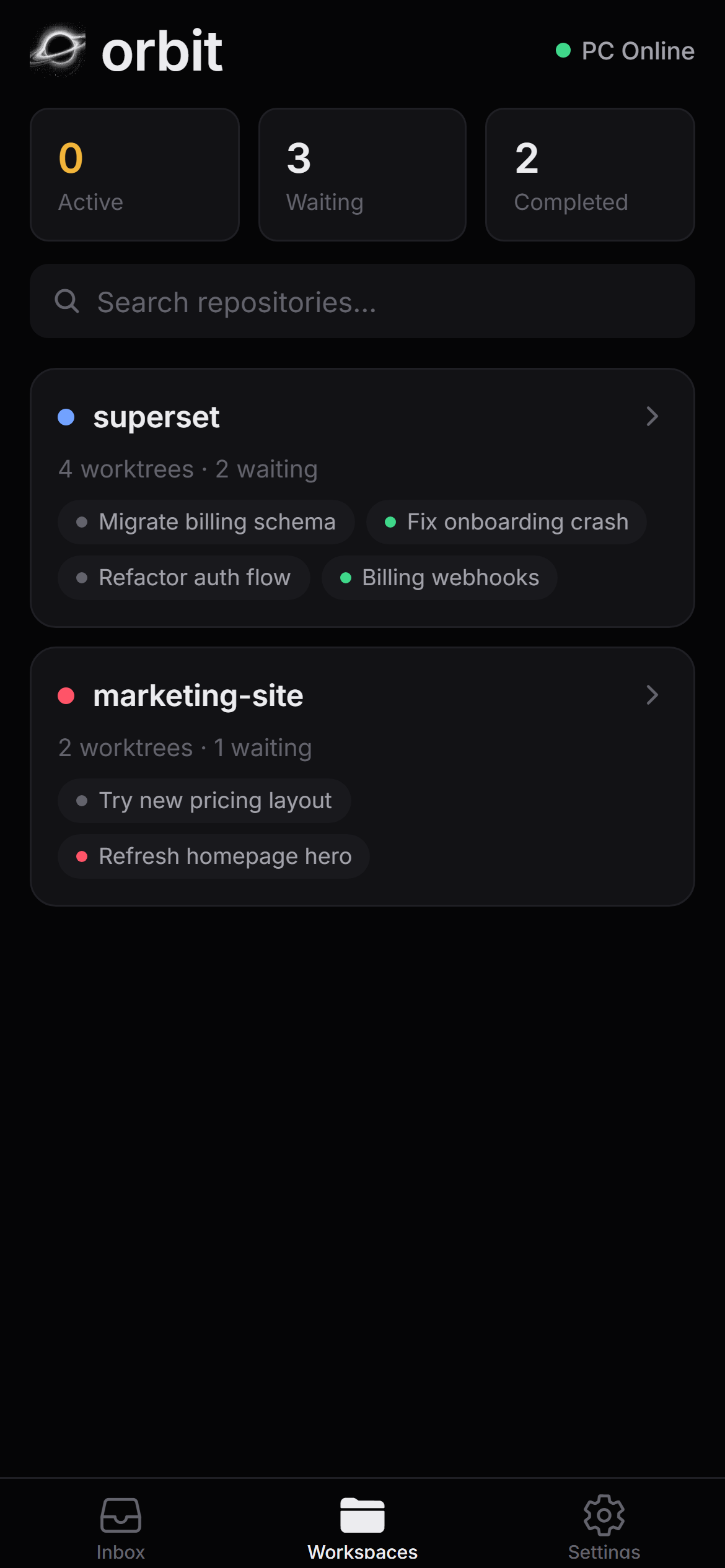
Repos, workspaces, live status, diff stats, and which agent is on each one.
-
Unread markers
A workspace that finishes while you're elsewhere stays marked until you look.
-
Desktop notifications
Orbit tells you when an agent finishes or fails while the window is in the background.
-
Jump by number
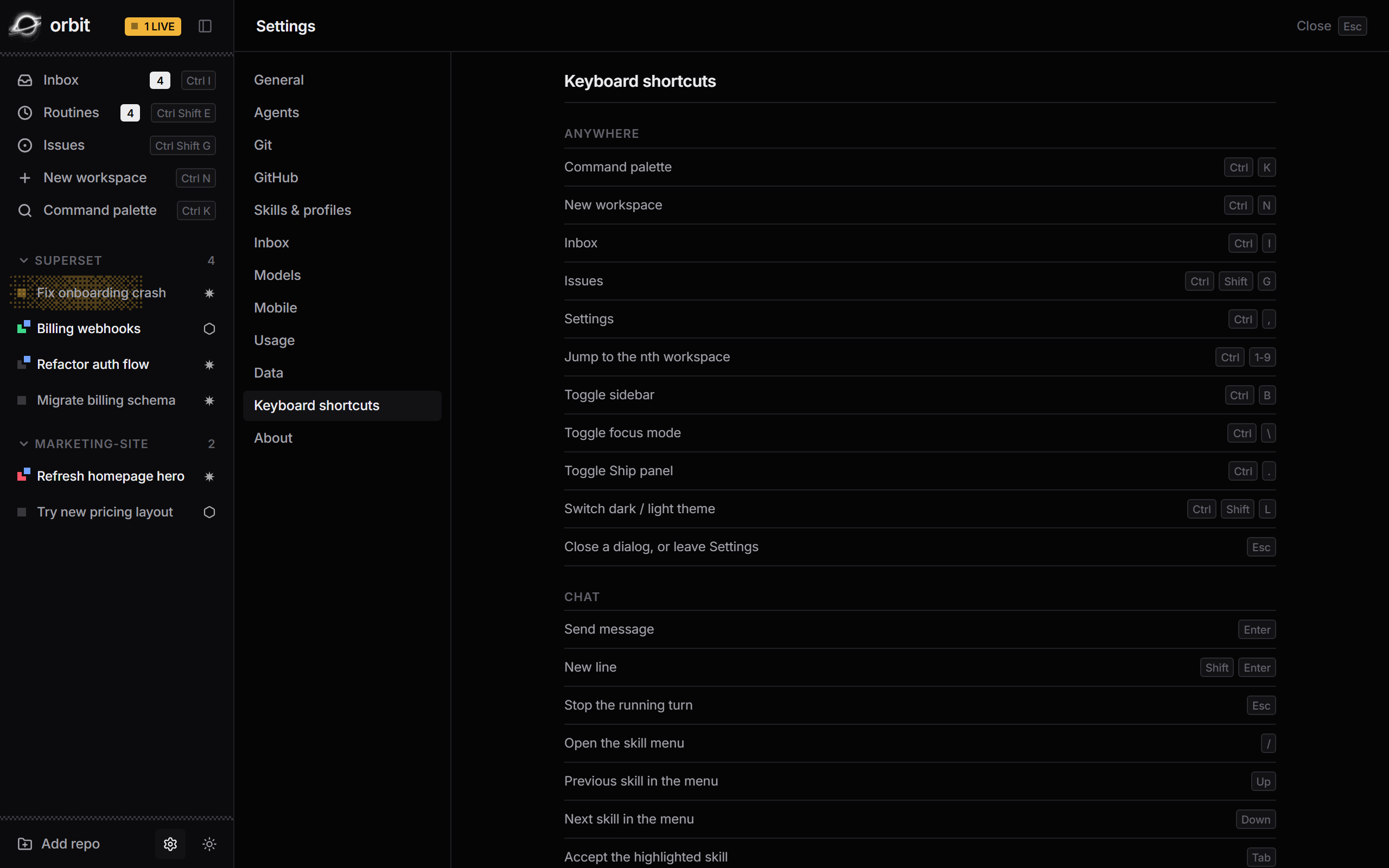
The first nine workspaces are one shortcut away.
Ctrl 1–9 -
Archive and restore
Archiving removes the worktree and keeps the branch. Restore brings it back on the same branch.
-
Clean up merged work
Finds worktrees whose branches have merged, shows a dry run, then clears the clean ones.
-
Names from your first prompt
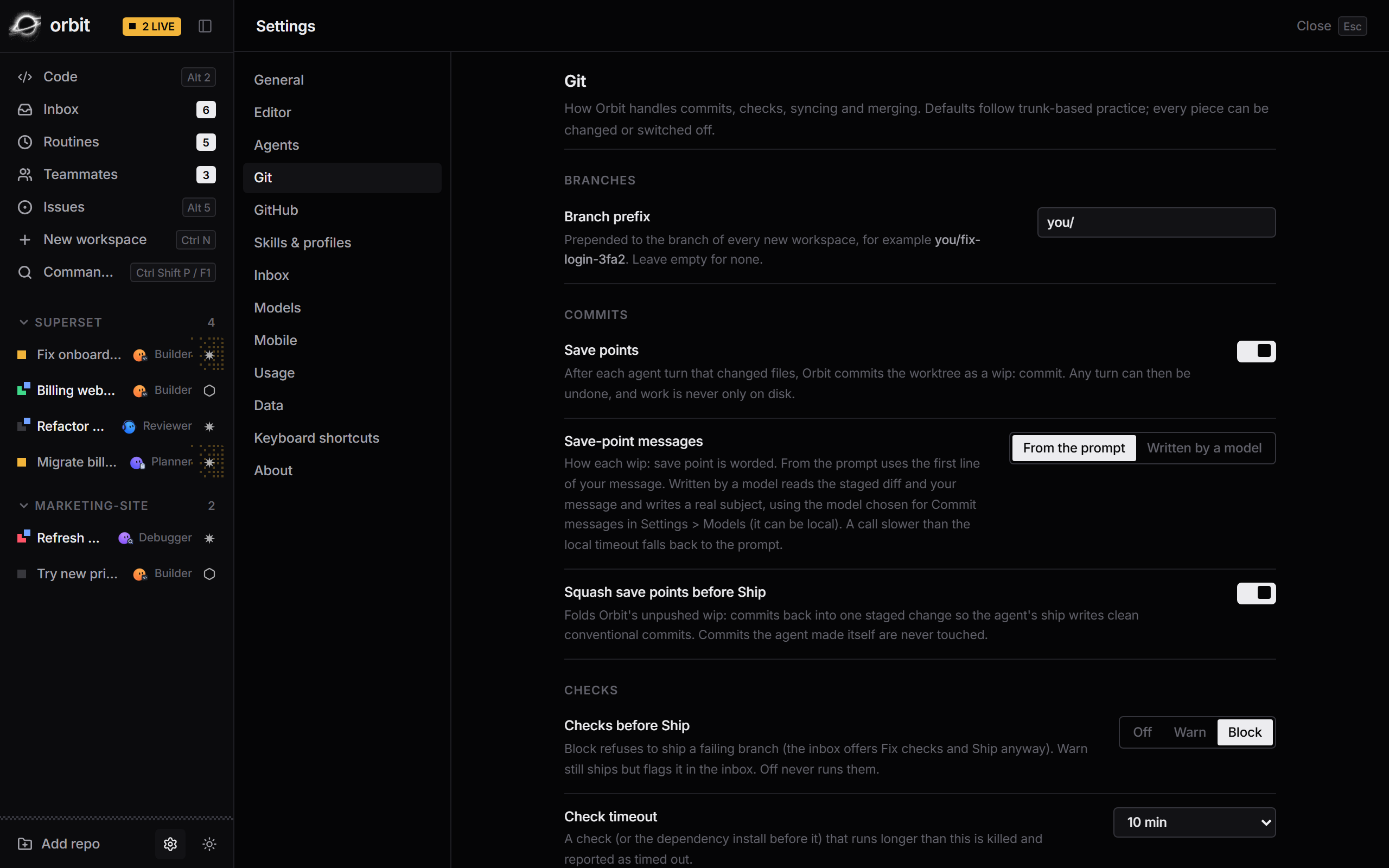
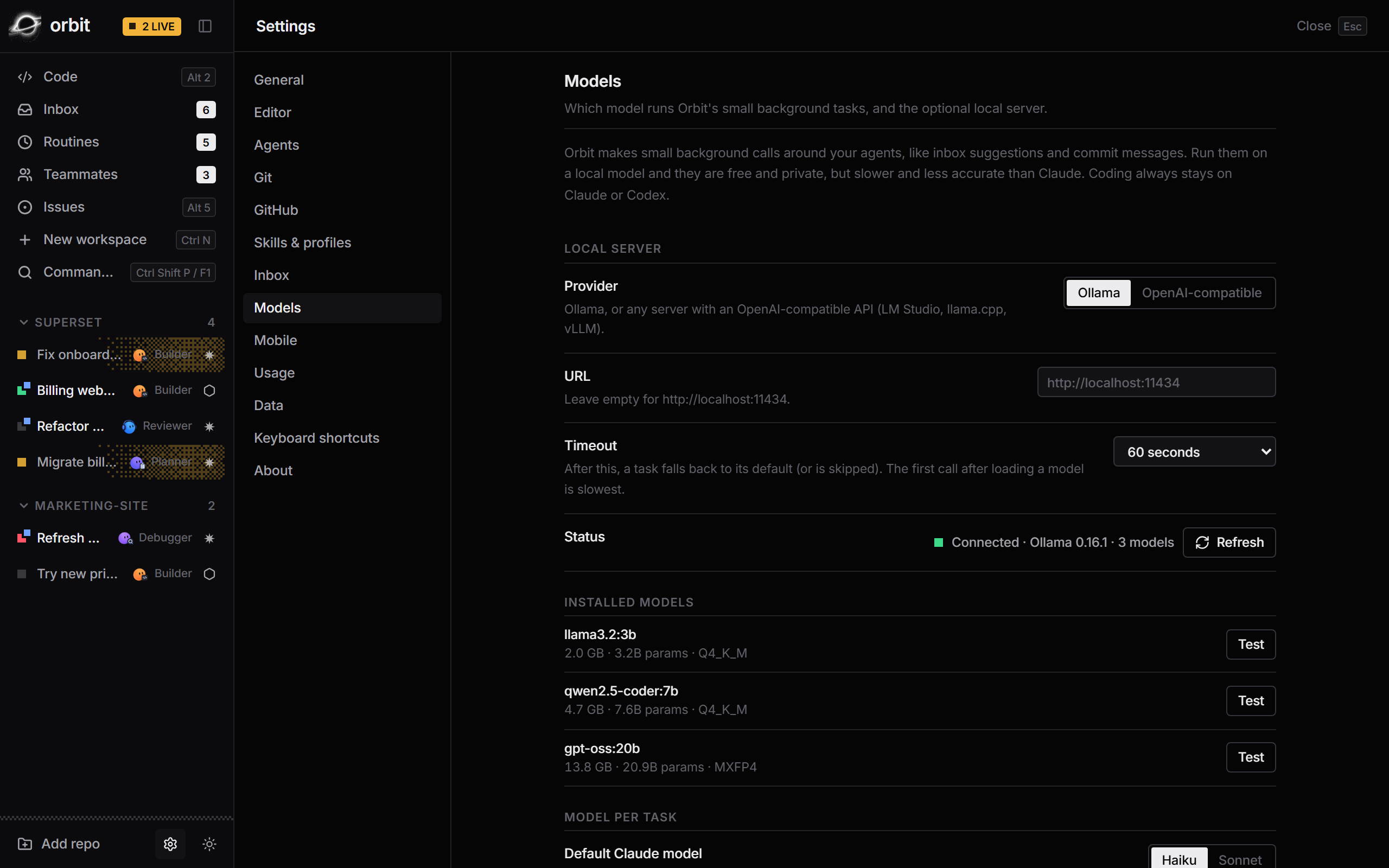
OptionalA small model turns your first message into a short workspace name.